
Shape your words
Writing, rewriting and analysis with the text model you specify.
INT-AI / AI, PUT TO WORK
Call the model you need from your IDE. Find the right AI subscription. Or build models into your product. Different paths, designed around what you want to make.
Model access · AI subscriptions · Residential networks · Developer APIs
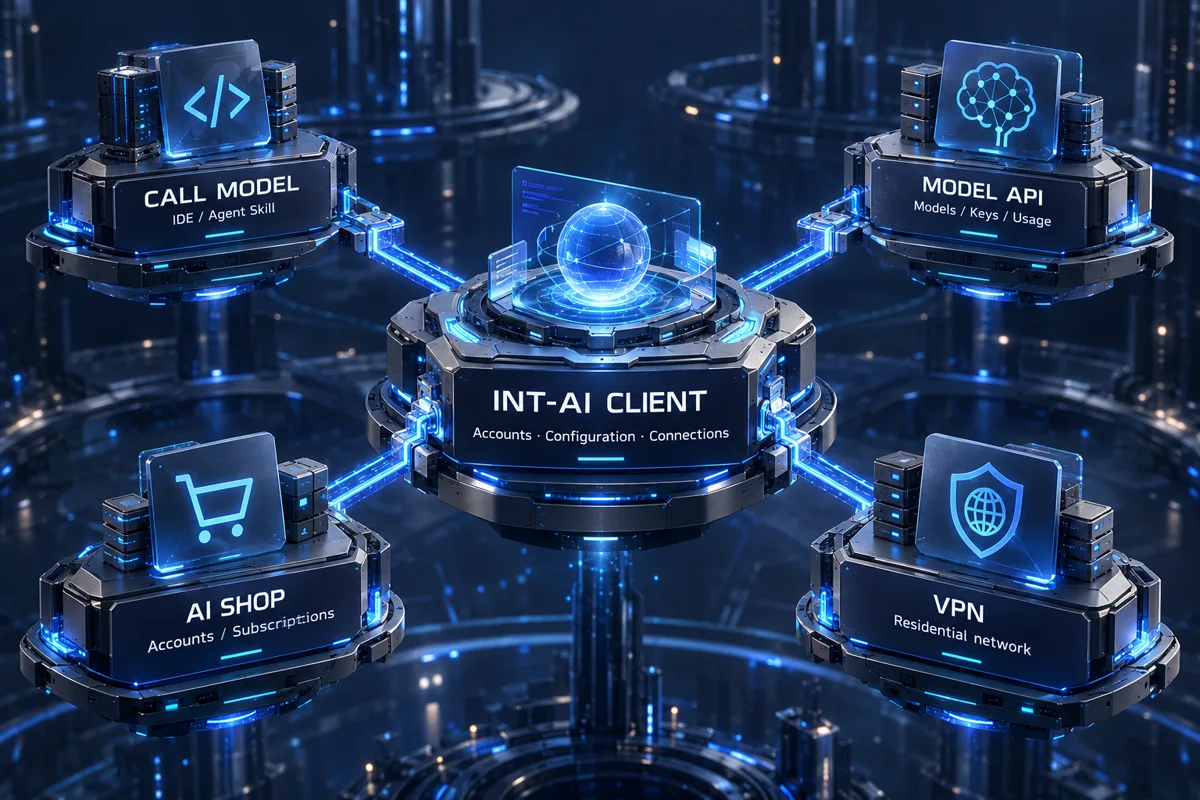
Conceptual relationship diagram, not a screenshot. Store and network accounts, orders and payments remain separate.
Use exact models for text, image, video or audio tasks, from your IDE.
Explore the Skill & setup → 02 / SHOPAI SHOPFind subscriptions, accounts and top-ups for ChatGPT, Claude, Cursor and more.
See what's in the store → 03 / NETWORKResidential VPNExplore residential network subscriptions, routes, usage limits and setup.
Understand the service → 04 / BUILDModel API GatewayConnect models to applications, scripts and compatible tools. Own your integration.
Explore API integration →Keep your IDE. Extend what it can do.
Install the CALL MODEL Skill in a compatible IDE or agent to call external models in your existing workflow. Work with text, images, video or audio, as supported by your chosen model.
Explore CALL MODEL & setupEXAMPLE REQUEST
Use CALL MODEL
<exact image model name>
to create a poster from this product brief.
Replace the placeholder with an exact model name. This example does not submit a request.
Writing, rewriting and analysis with the text model you specify.
Generate promotional images or edit visuals, with model-specific inputs and formats.
Submit video tasks or generate voiceovers. Follow asynchronous jobs through to their results.
It gives your IDE reusable instructions: where to read the connection, which endpoint to use, how to submit a task and retrieve its result. It does not replace your IDE's primary model.
Prepare client connection
Give your IDE the install prompt
Specify the model and task
The public Skill has no extra tool fee; model usage is billed under platform rules. Sign in through the client, select a usable key and check your balance. Do not paste keys into a conversation.
Accounts, subscriptions and top-ups for the AI tools you use.
Want to use an existing AI application? Choose the tool, then the right product type. Existing-account top-ups, subscriptions, activation links and account products have different delivery and eligibility conditions.
Open AI SHOPUnderstand the product types →Plus / Pro subscriptions, existing-account top-ups and credit products.
Plans / Top-ups / AccountsClaude subscriptions and account products. Gemini and Grok products are also available.
Claude / Gemini / GrokSubscriptions or account products for AI-assisted coding. Choose by the listing's specification.
Subscriptions / AccountsJimeng memberships, Dreamina accounts or credits, and Jianying memberships, day passes or credits.
Dreamina / Creative accessCheck account ownership, region, duration, delivery and support. Tool memberships are not INT-AI API credit.
vpn.intai.cc
Explore residential network services and subscriptions. Check actual routes, regions, traffic allowance, connection methods and device restrictions before choosing a plan.
The client provides access to the service page; it does not automatically configure your system VPN.
Network plans, AI memberships and model usage are separate products.
Bring models into your applications, scripts and workflows.
Control your own integration. Find exact model names, capabilities, endpoints and current prices, create a dedicated key, and send requests from code or compatible tools. No client or Skill required.
COMMON OPENAI-COMPATIBLE CONFIGURATION
https://api.intai.cc/v1<exact model name from the catalogue>Configuration example, not an executable request. Protocols and endpoints vary by model.
INT-AI CLIENT
Use INT-AI Client to manage Codex accounts and configuration, maintain the CALL MODEL connection, and access model services, AI SHOP and residential VPN.
Currently focused on Windows. Store and network services retain separate accounts, orders and payments.
Start with guides to client setup, Skill installation, model tasks and API integration.
Guides / About →